How Much RAM Do You Really Need?
By DL Computers & Electronics · 01 May 2026

RAM (memory) determines how many things your computer can comfortably do at once without slowing down. Unlike storage, more RAM doesn't hold more files permanently -- it affects how smoothly your computer runs while it's on.
8GB -- everyday use
Comfortable for browsing with a reasonable number of tabs open, document editing, video calls and general study or office work. This is a sensible baseline for most home users in 2026.
16GB -- multitasking and creative work
A noticeably smoother experience if you regularly keep many browser tabs, spreadsheets and applications open simultaneously, or do light photo editing. We'd recommend this as the sweet spot for most professionals and serious students.
32GB and above -- heavy workloads
Worth considering for video editing, 3D work, running virtual machines, or professional software that explicitly recommends higher RAM.
A common misconception
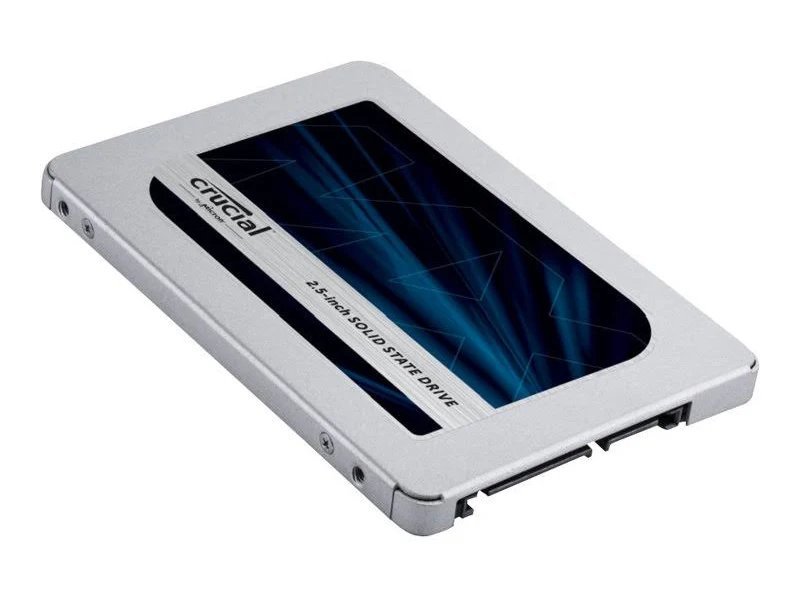
Adding RAM won't fix a slow hard-disk-based computer nearly as much as switching to an SSD will. If your computer feels sluggish, ask us to check whether storage or RAM is the actual bottleneck before spending on an upgrade -- it's often the drive.
Many of the laptops and desktops we stock can have RAM added later, which is a cost-effective way to extend a computer's useful life. Bring in your model details and we'll confirm whether an upgrade is possible.